Add a New File Source at a UseGalaxy server
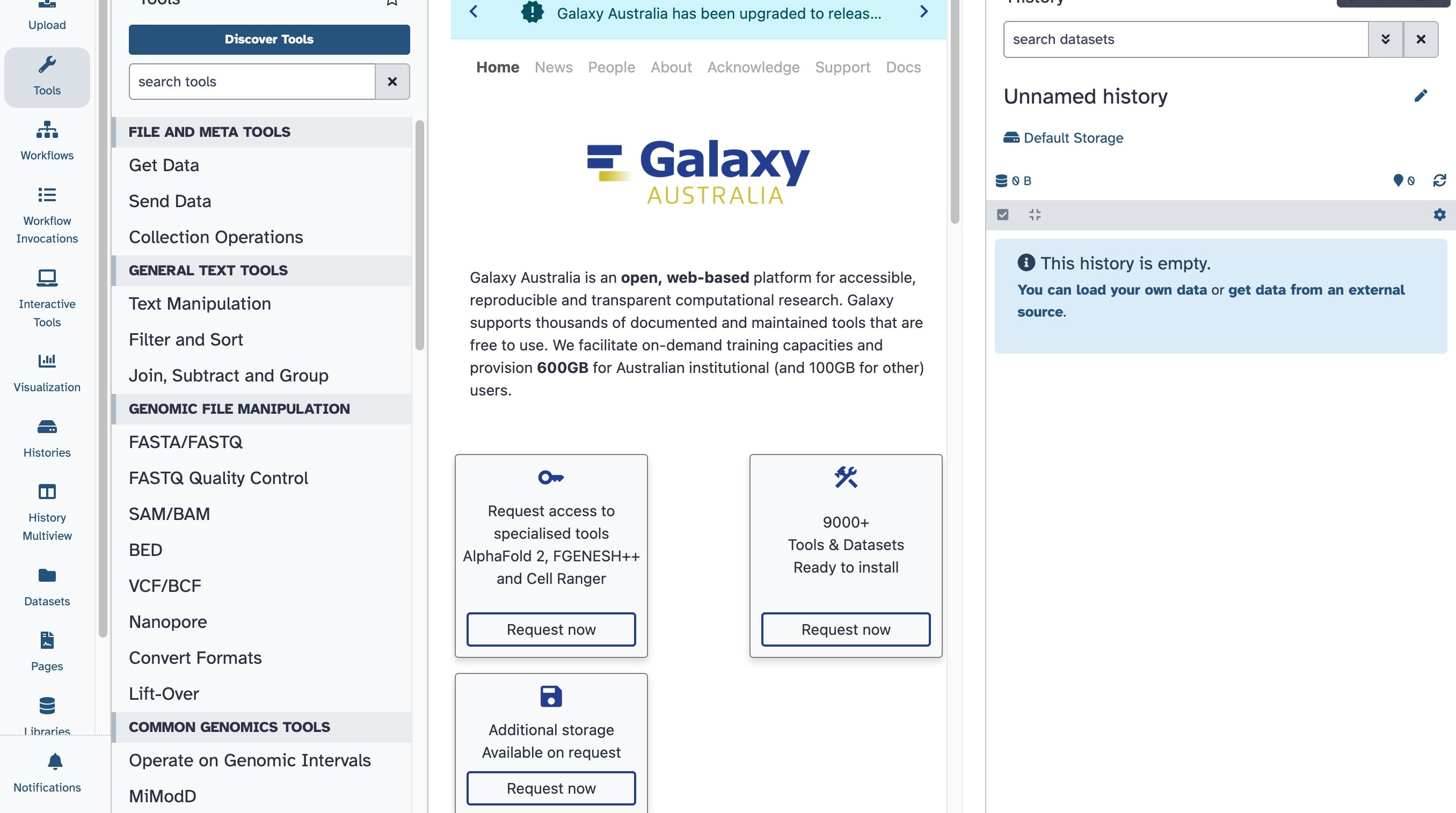
1. Navigate to a Galaxy server! Not sure where? See Regions here → https://galaxyproject.org/
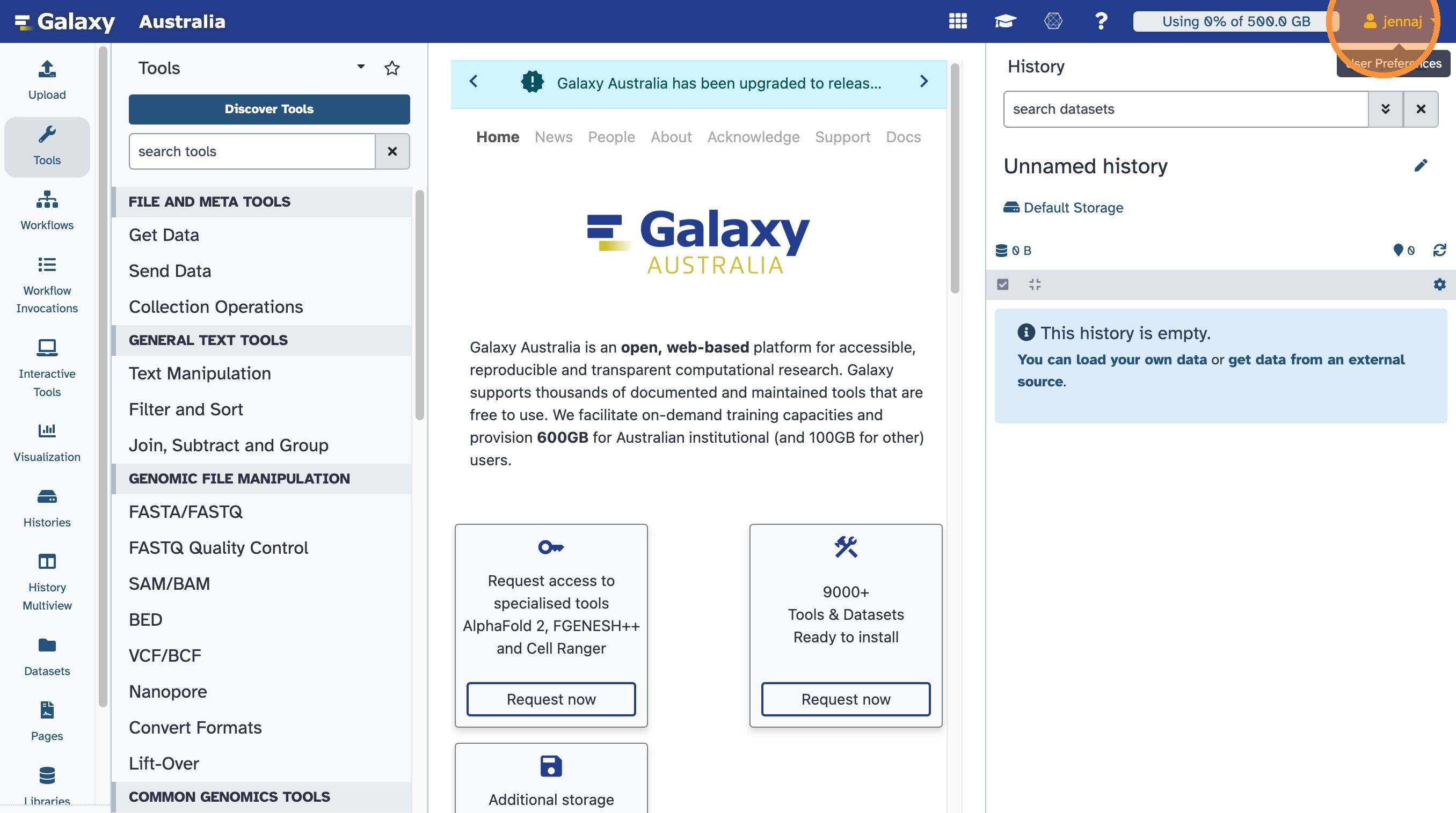
2. Click on your username at the top right of the masthead menu
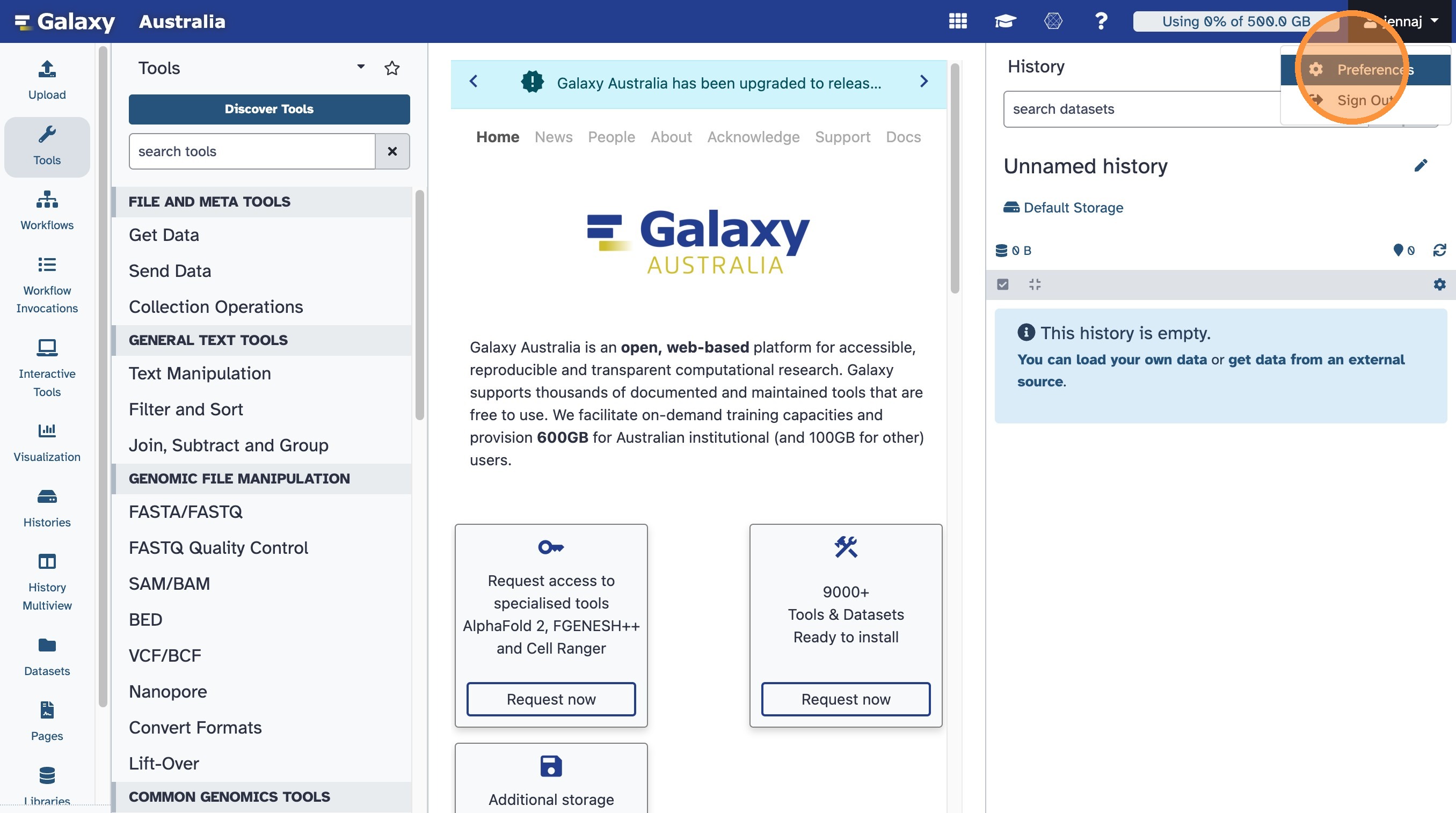
3. Click on Preferences in the drop down User menu
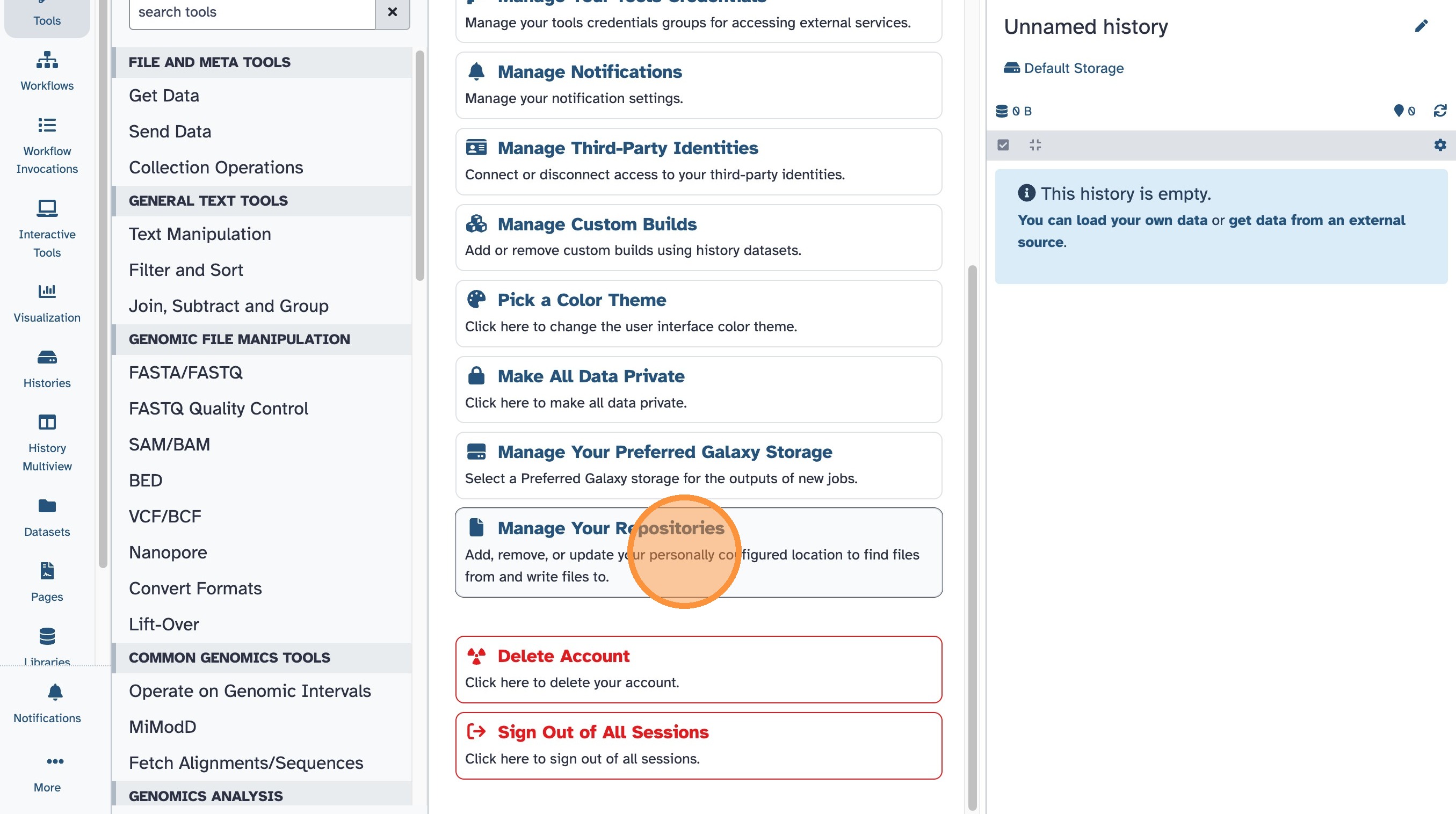
4. Click on Manage Your Repositories. These are custom data storage locations you can set up. Galaxy can read and write to these locations, allowing you to avoid large data transfers entirely. Useful for big HTP projects!
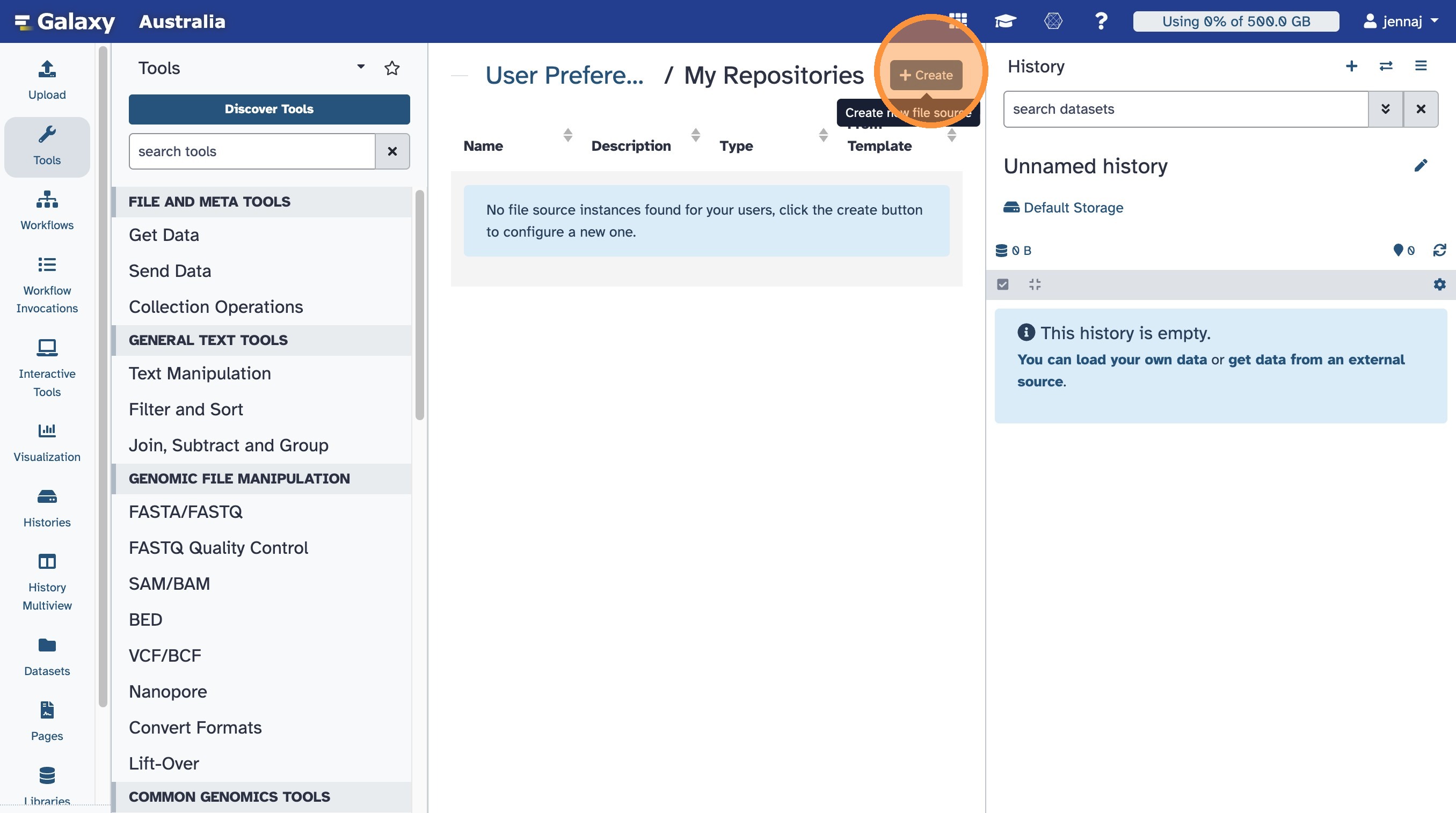
5. Click on Create new file source to see the supported options at each server. These may be different on different Galaxies and will update to gain more options over time.