Hi all, i have a lot of jobs happening on my HPC cluster right now and i am wondering if i can build the kraken2 +gtdb on galaxy.org and then transfer the file to the HPC for taxonomy assignment?
Is this possible?
Any help is appreciated.
Thank you
Hi all, i have a lot of jobs happening on my HPC cluster right now and i am wondering if i can build the kraken2 +gtdb on galaxy.org and then transfer the file to the HPC for taxonomy assignment?
Is this possible?
Any help is appreciated.
Thank you
Hi @Martyn
I’m not sure I understand, would you be able to rephrase what you would like to do? If you mean running some steps in Galaxy and other step locally, yes! The outputs are the same as you would get running these same tools anywhere else.
Then, as a reference, the indexes for Kraken2 can be sourced here. → Index zone by BenLangmead.
These are the same indexes you’ll find at the UseGalaxy servers. And if you are running Galaxy on your HPC, you could attach the CVMSF resource and mount these and all the other indexes.
Let’s start there! Please let us know what happens or if you have a follow up question! 
HI jennaj, I was attempting to build my own kraken2 + gtdb on my HPC but it was a really pain with editing headers etc. I am wondering if I can run it on Galaxy because I know it requires some serious RAM and memory. The reason I want to use GTDB is because for soils it is much better than the standard NCBI. I am using command lines on Mobaxterm so its a cluster. I am not sure if i can use Galaxy on there. My files are stored on this HPC cluster. is it even possible to get them from there onto Galaxy?
Hi @Martyn
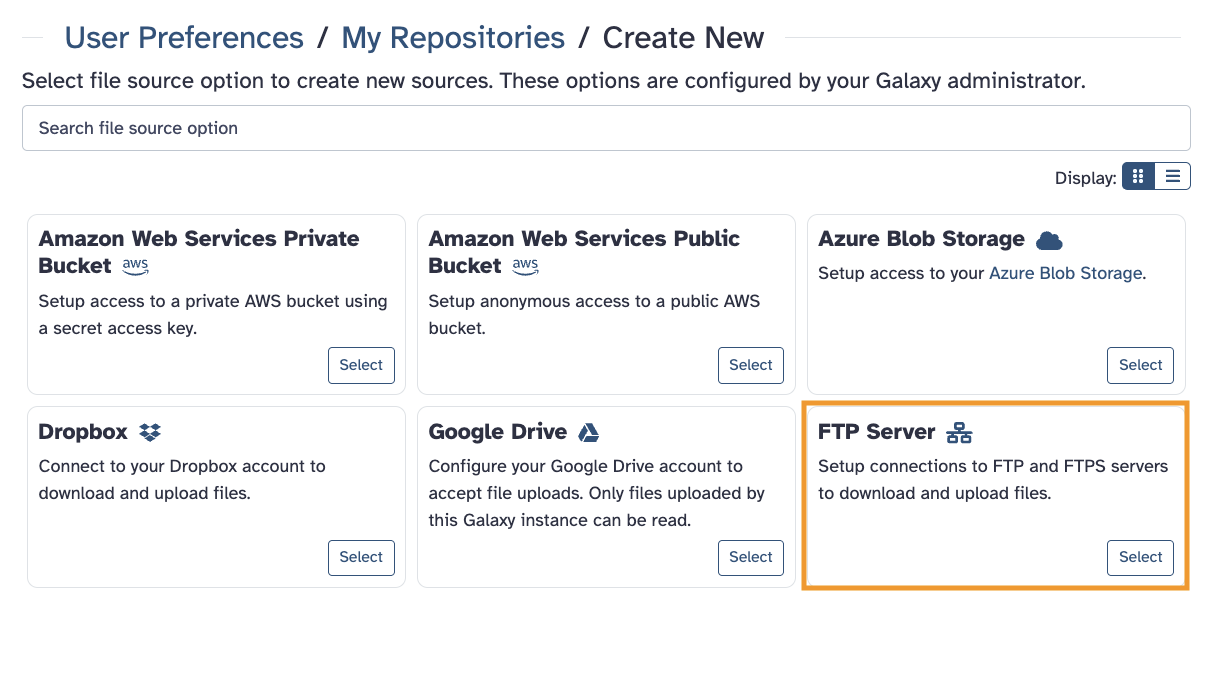
The easiest way I can think of – to run this specific job – would be using an account at a public Galaxy server (and our clusters) with a data transfer FTP location. This connects to your local data storage to the public server’s workflows, tools and indexes.
The other choice is to install a Galaxy instance on your cluster, connected to the remote reference data indexes.
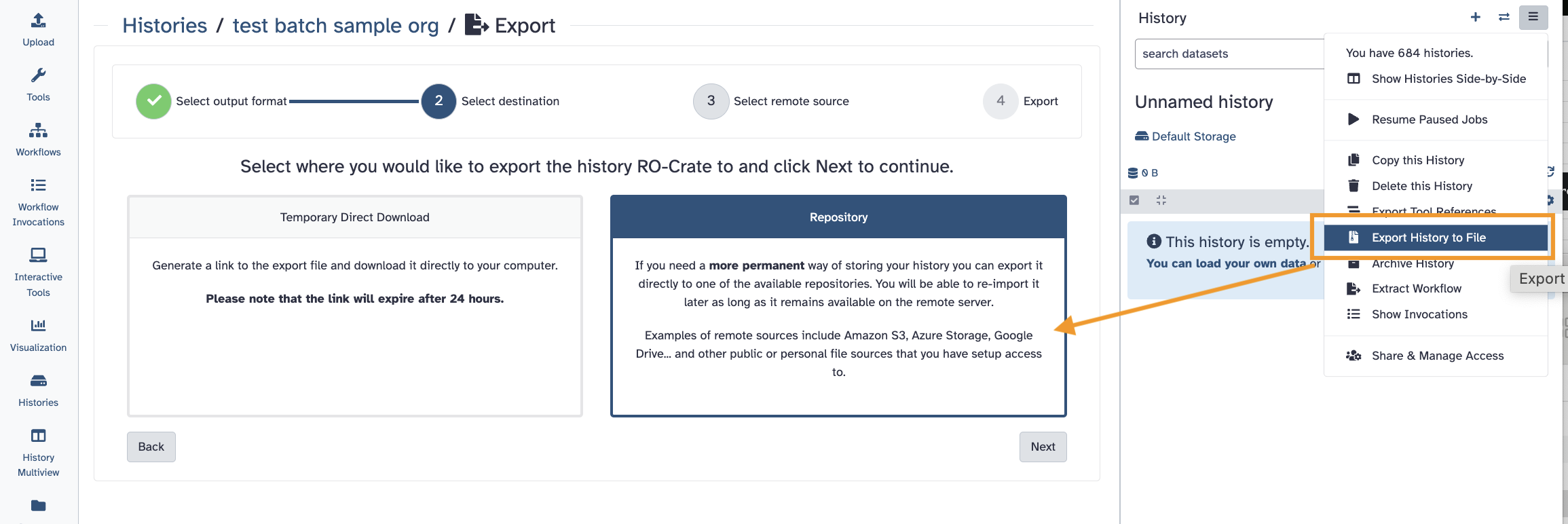
We call this type of remote data transfer space a data Repository.
Another choice could be setting up a simplified local Galaxy server attached to the CVMFS resource. This would have jobs run on your cluster.
The Docker Galaxy choice would be quicker to configure and is for exactly use cases like yours – if you want to use your own cluster for the processing.
So, there are two primary choices if you want to use the Galaxy resources. Please give this a review and let us know what you think or if you have questions! 
Hi JennaJ, thank you. I am guessing that simply copy and pasting them will not work? I don’t think FTP would be right. The fastq files are stored in a random directory on my HPC under my own user name. At the moment the HPC is busy assembling contigs so I want to use Galaxy to do Kraken2
Hi @Martyn
Oh yes, you don’t have to use FTP – it was just an idea if you had a lot of files or very large files. You can of course use the Upload tool’s other functions. This includes URL links to files.
More details are here → Getting Data into Galaxy
Hope this helps!